
Filo Connect for Windows
Install and update Filo Connect from its official Microsoft Store listing.
Windows 10 version 2004 or later and Windows 11 · x64Open Microsoft StoreNeed a file while visiting a client? Filo helps you find documents in the folders you authorize on your PC or Mac and bring them to your phone.
Mobile apps are not yet publicly available
FROM COMPUTER TO PHONE

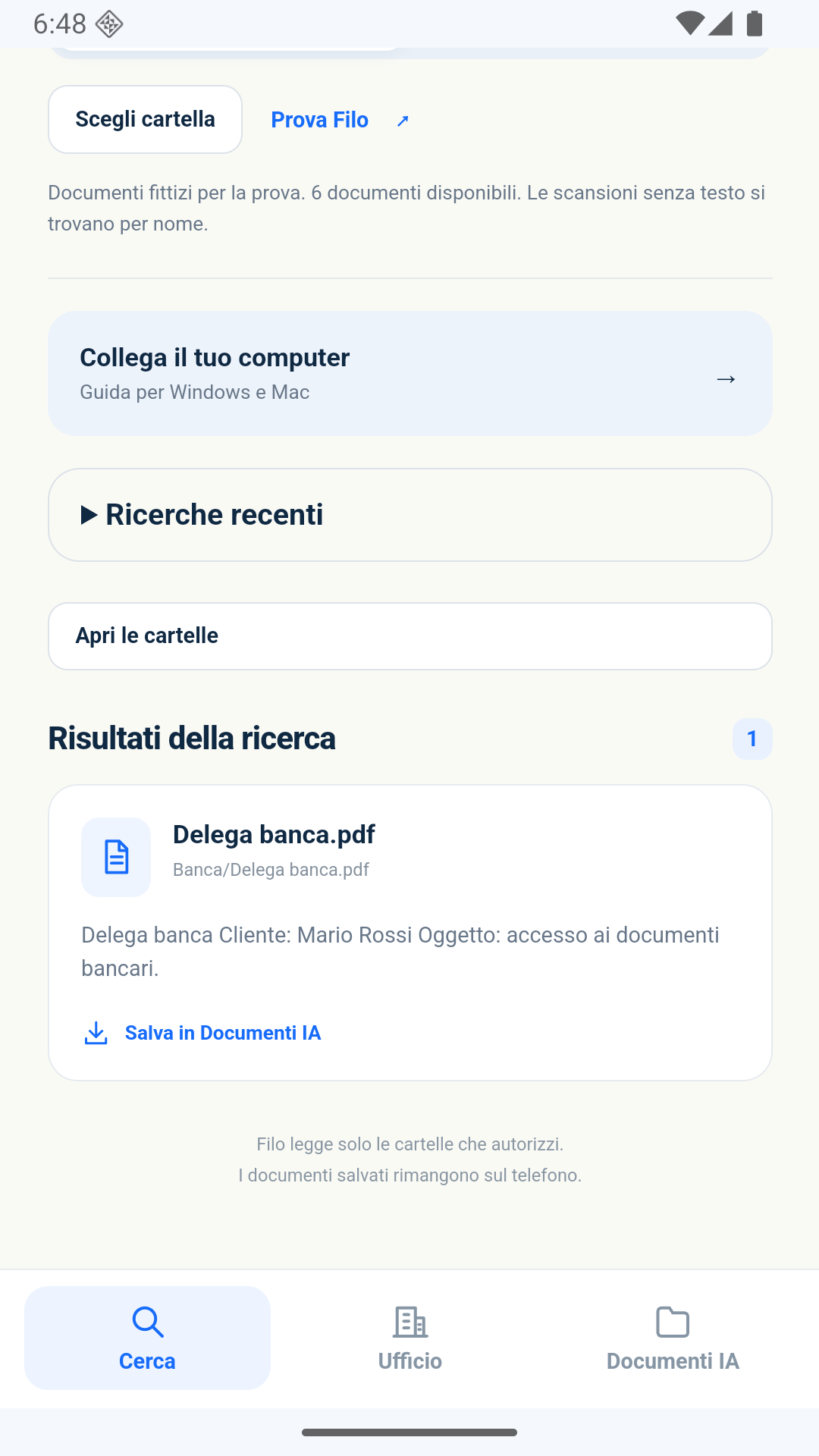
Install Filo Connect on your PC or Mac and choose the folders you want to access. The computer must already be able to open the documents.
Once you have access to the Filo app, use the QR or code generated by Filo Connect. Approve the connection on your computer.
Search by typing or speaking, open the result and save a copy on your phone. Find saved files in the Documenti IA section.
To use Filo with office folders, you need the mobile app and Filo Connect on your computer. The service requires an account and an active subscription.
Install and update Filo Connect from its official Microsoft Store listing.
Windows 10 version 2004 or later and Windows 11 · x64Open Microsoft StoreDownload the ZIP, open it and drag Filo Connect into Applications. The package is signed with Developer ID and notarized by Apple.
macOS 13 or later · Intel and Apple Silicon · version 0.2.1Download Filo Connect for MacTo access office folders, leave Filo Connect running on a computer that is on, online and awake. If a folder requires a company VPN, that VPN must be active on the computer.
Searching, opening and saving documents require an active subscription, even without AI. Read the plans and terms before choosing: the store shows the final amount before confirmation.