

Conversations
Chats, saved messages, and conversation search.
APP · INTERNAL PROJECT
A messaging app for iPhone and Android, with conversations and a protected private space.
Colors, imagery and journey ↓An internal Kreluna project focused on messaging and personal spaces.
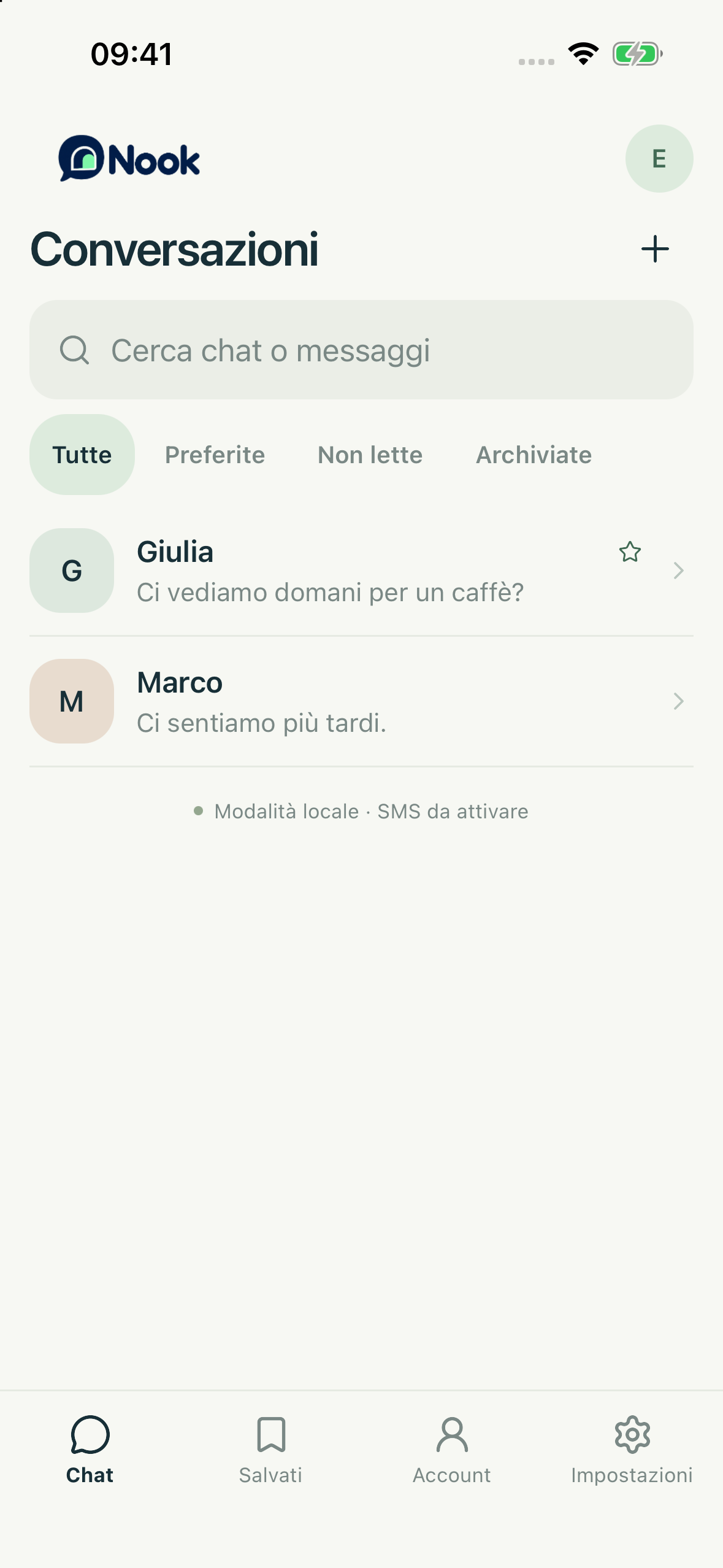
Chats, saved messages, and conversation search.
A separate space protected by a personal key and automatic locking.
Media in conversations, with previews and captions.
Conversations come first, in a simple, personal space.
People looking for messaging and a separate private space within the same app.
The main colors of the screens shown here: the reasoning behind each choice and the character they give the project.
Names, message previews and dates have distinct roles in the list. The brand introduces the identity; interface text stays concise to support browsing.
The presentation uses a real screenshot of the local preview, showing the conversation list rather than a generic photograph. The phone makes the context of use immediately clear.
These steps describe the project presented here, with the status and limits stated on this page.
The list, search and filters provide the starting point for browsing chats.
The project includes messages, photos and videos with previews and captions.
A separate area includes a personal key and automatic locking. The project is in development and is not yet publicly available.